Free animated crosshair · Windows
Animated Crosshair Effects That React to Your Game
Give your crosshair motion with Pulse, Spin, Breathing, and Firing Gap Boost, plus optional hit sounds — all in the free app.
Four effects, tuned per effect
- Pulse.
- Spin.
- Breathing.
- Firing Gap Boost.
Each effect carries its own speed, intensity, and color controls, so a fast red pulse and a slow cyan breathe can live on different loadouts. Hit sounds are separate layers too: pick a click, set its volume, or switch sounds off and keep motion only.
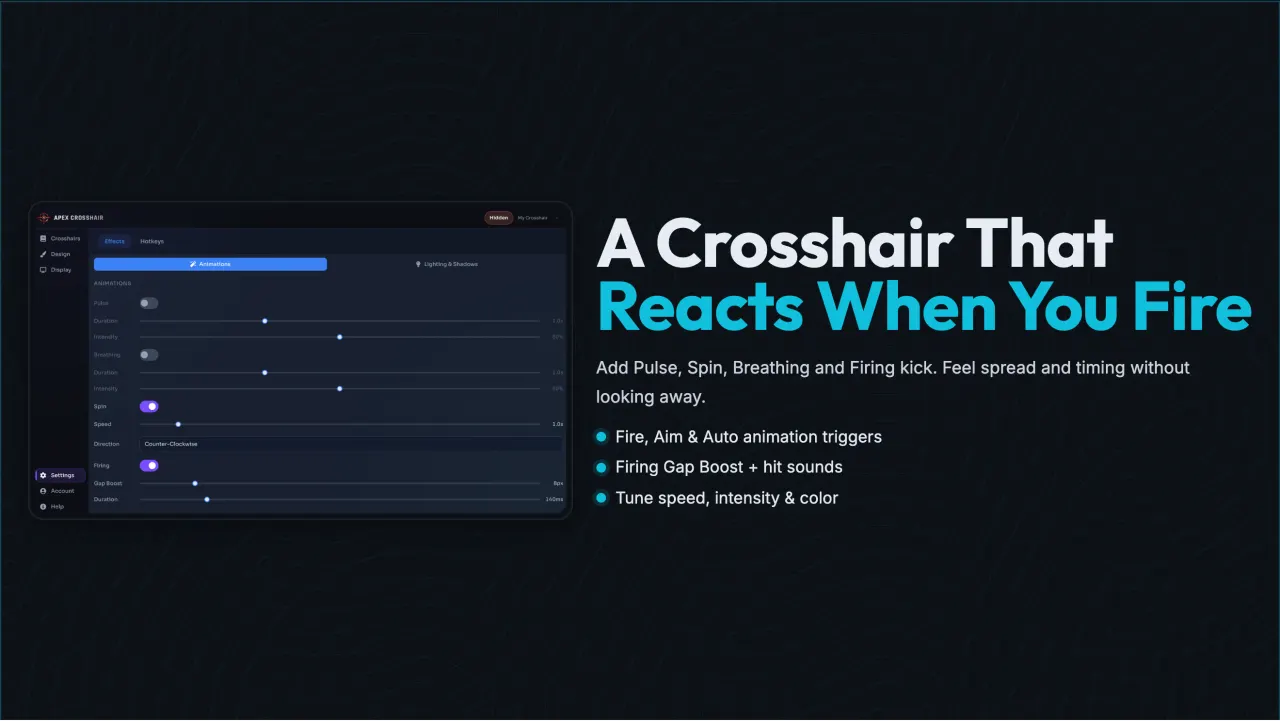
Fire, Aim, and Auto triggers
Effects run on triggers, not on timers you have to watch. Bind an effect to the Fire trigger and it plays when you shoot; bind it to Aim and it plays while aiming; set it to Auto and it loops on its own. Combine them: a Firing Gap Boost on Fire over a Breathing loop on Auto gives feedback per shot without extra keypresses.
Trigger thresholds and cooldowns are numeric fields, so you can copy exact values between loadouts and get the same feel in every game.
Animation questions
Do animations change how my game plays?
No. Effects only change how the overlay marker looks. They do not send input, modify game files, or alter settings.
Can I mute or tune the hit sounds?
Yes. Each hit sound has its own on-off toggle and volume slider, so you can keep a quiet click or turn sounds off entirely.
Do effects need a specific game?
No. Triggers listen to the states you configure in the app, and the overlay draws over any game running in borderless or windowed mode.