Free crosshair overlay · Microsoft Store
Free Crosshair App for Any PC Game
Design it, animate it, switch it mid-match — free forever.
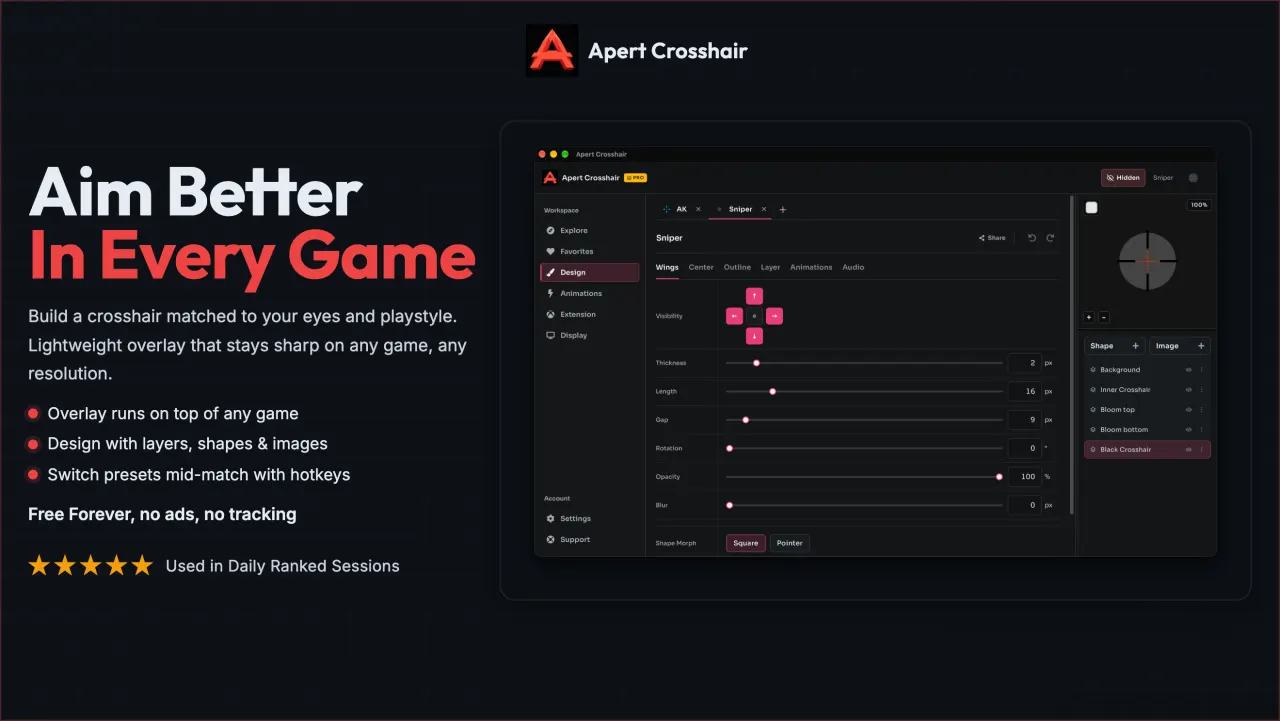
Try a crosshair before you install
Drag the sliders and pick a color. This is the same kind of control the free app gives you for every layer.
Free, and built for real matches
- Free foreverNo trial or payment
- Community presets1-click shared setups
- Windows 10 & 1164-bit Store install
- Hotkey switchingChange loadouts mid-match
Setups for the games you play
Per-game guides with recommended gap, thickness, and color.
One free app, five ways it fits your game
-
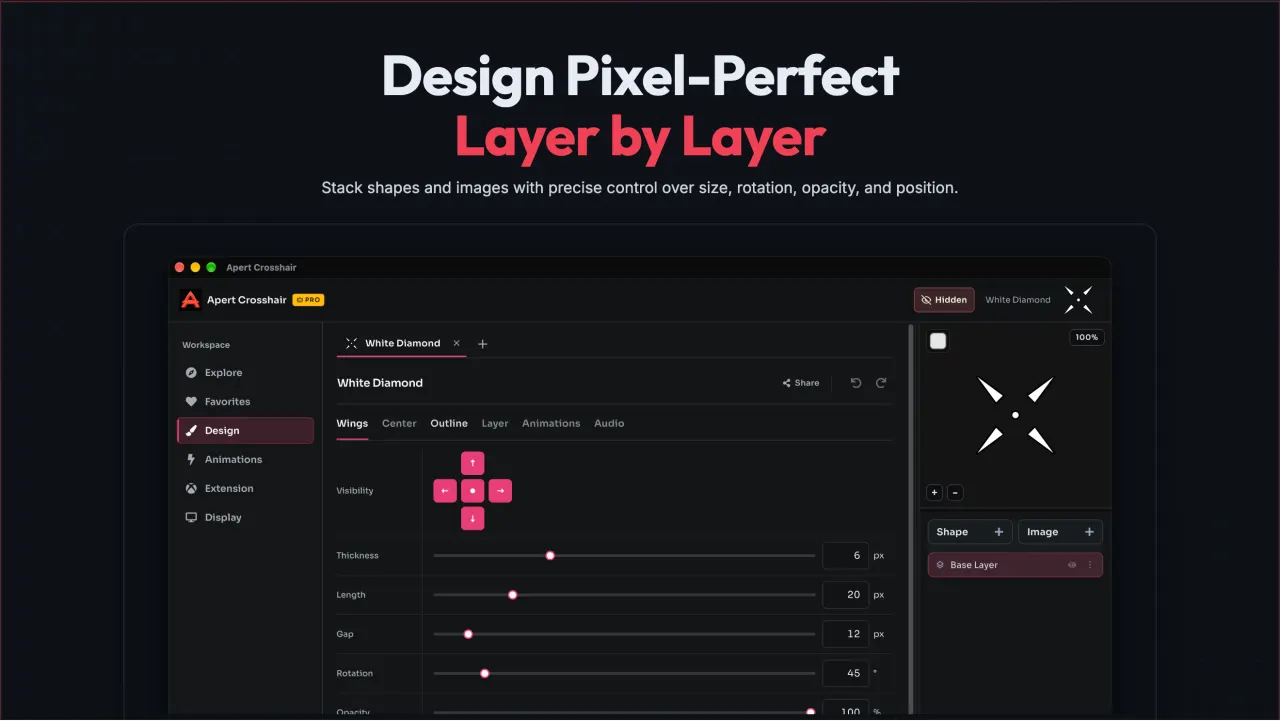
Layer-based editor
Stack shapes, dots, and outlines into one crosshair, and tune each layer's size, color, and opacity.
-
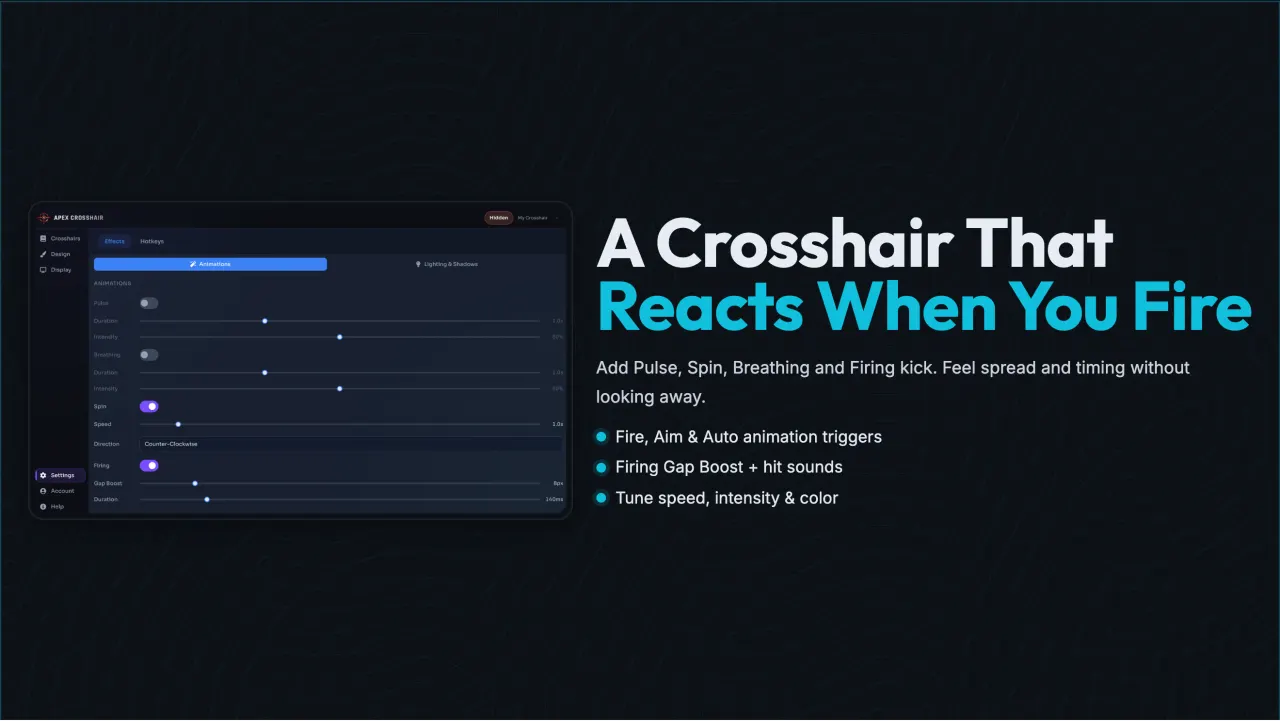
Reactive Fire/Aim/Auto animations
Set the crosshair to expand, flash, or pulse on the fire, aim, and automatic states you configure.
-
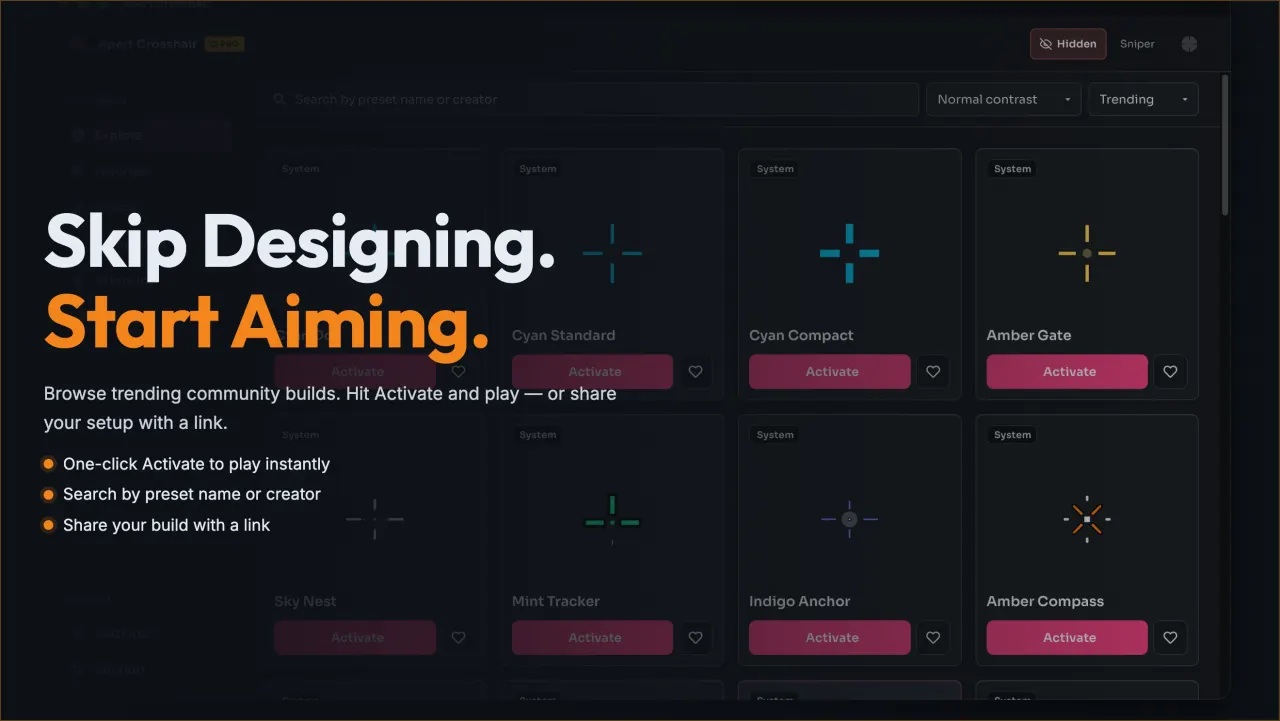
1-click community presets
Load a shared community preset in one click, then adjust it to fit the maps you play.
-
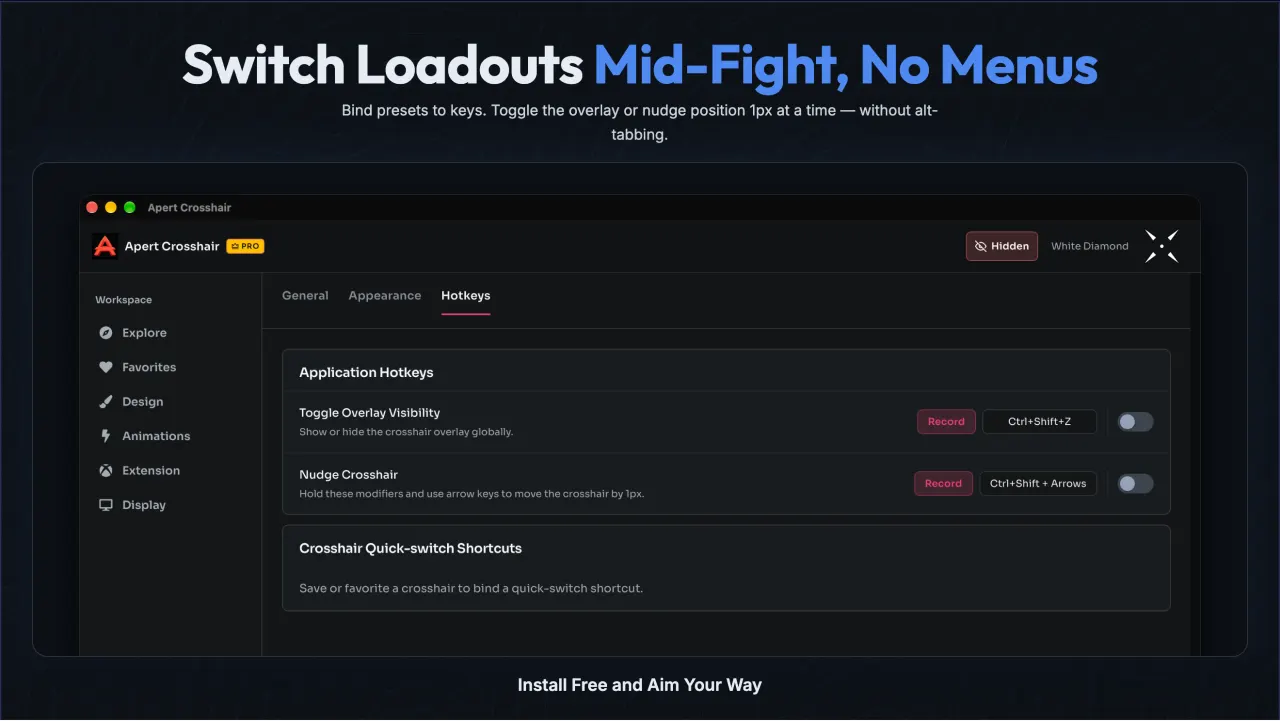
Hotkey loadout switching
Save one loadout per game and switch between them mid-match with a single keypress.
-
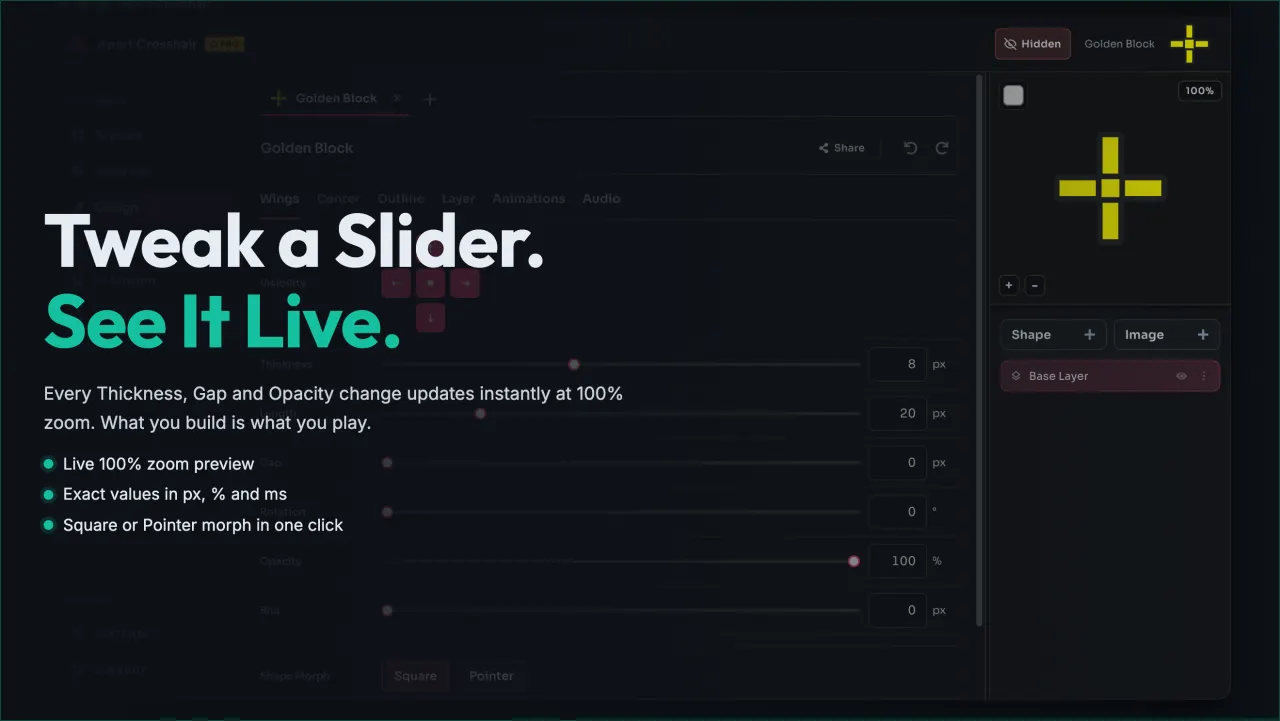
Live 100%-zoom preview
Check edges and alignment at full zoom before you launch the game, so nothing surprises you in-match.
Common questions
Is Epic Crosshair free?
Yes. Epic Crosshair is free to download and use on Windows 10 and 11, distributed through the Microsoft Store. There is no trial and no payment.
Is the overlay safe to use with anti-cheat?
Epic Crosshair draws a marker on top of the screen. It does not modify game files, game memory, or settings. Check your game's rules before using any overlay.
Which games work with it?
Games that run in borderless or windowed mode on Windows, so the overlay stays visible while you play. Exclusive fullscreen hands the display to the game.
Which Windows versions are supported?
64-bit Windows 10 (version 1809 and later) and Windows 11.
How do hotkeys work?
Assign a key to each loadout in the app, then press it mid-match to switch crosshairs without opening the app window.
Get the free crosshair app today
Download Epic Crosshair free from the Microsoft Store, set up your first crosshair in minutes, and keep it pinned while you play.